Lightweight Measurement
Record RTT, directional packet loss, jitter and brief outages.
NETACCURA · BESTPERF
Measure Link Quality. Locate Network Problems.
Deploy probes at both ends of a link to measure RTT, loss, jitter and TCP throughput for acceptance testing and field troubleshooting.

Network Quality Measurement
From routine quality checks to performance assessment under load.
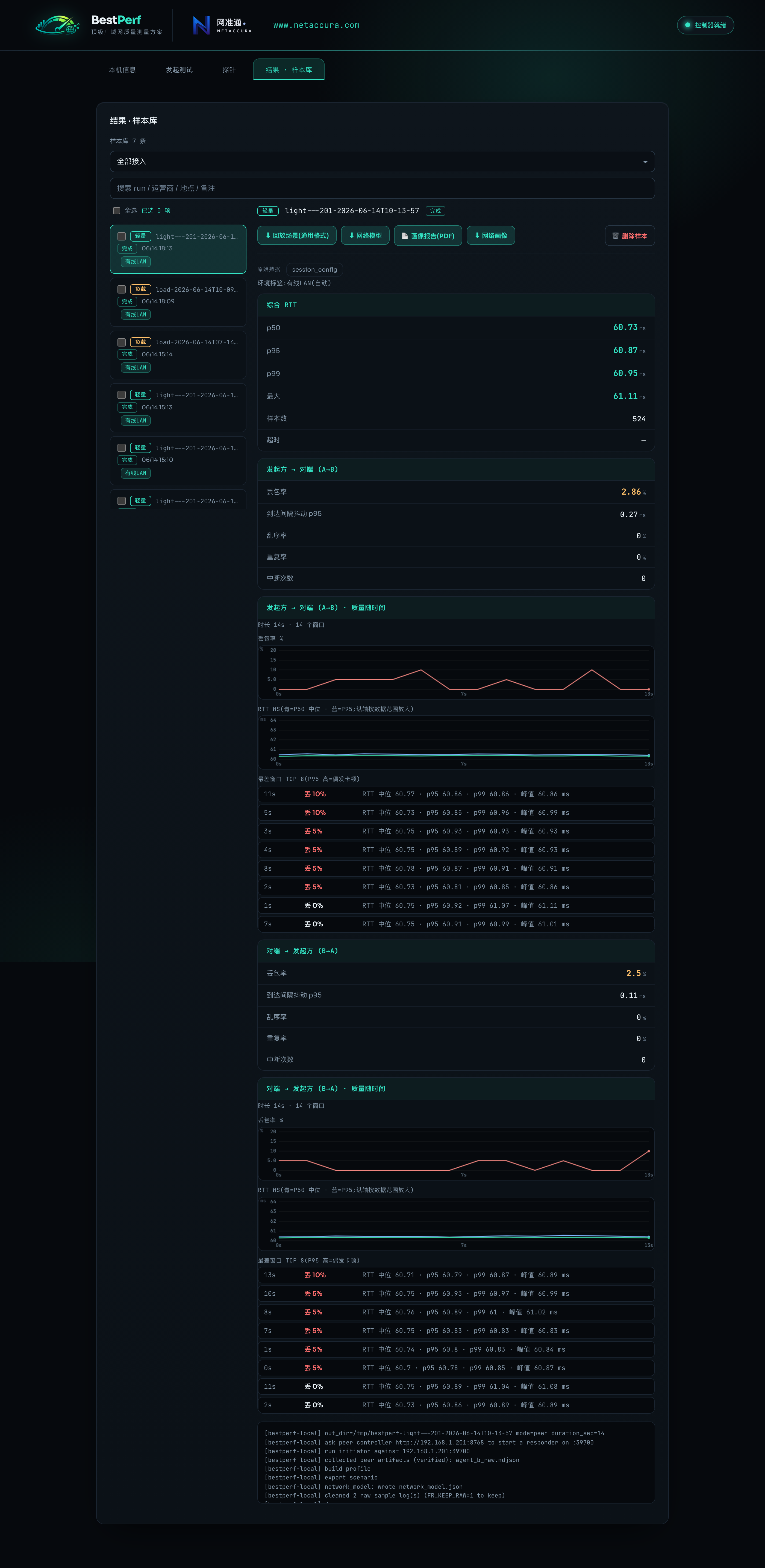
Record RTT, directional packet loss, jitter and brief outages.
See how delay and loss change as the load increases.
Measure upload and download goodput and application-layer RTT separately.
BESTPERF × CHAOSBRIDGE
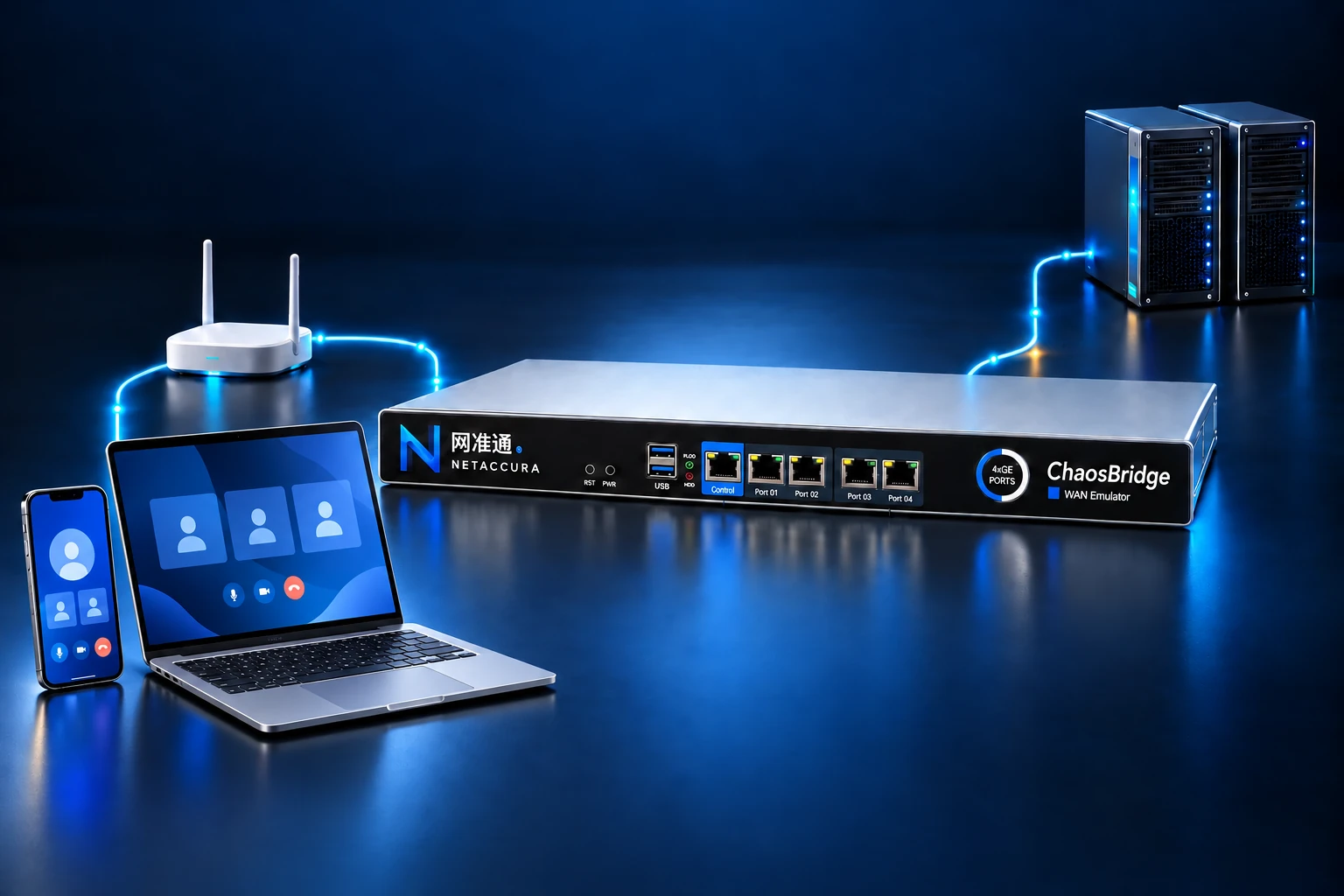
Export measurements as impairment scenarios. Use a NetAccura WAN emulator to reproduce link conditions for troubleshooting and version regression testing.
Applications
Check throughput, delay, loss and stability of delivered links.
Investigate choppy meetings, remote desktop interruptions and unstable connections.
Compare link quality across regions, carriers and clouds.
Record network baselines and compare test conditions and experimental results.
Specifications
Operate from the Web console or integrate the command line into your testing workflow.
Download User Manual (Chinese)| Measured Metrics | RTT, directional loss, jitter, reordering, duplicate packets, micro-outages and burst loss |
|---|---|
| Measurement Modes | Lightweight measurement, load testing, TCP throughput testing and local performance self-test |
| Measurement Method | Active UDP / TCP probes at both endpoints; either endpoint can initiate a test |
| TCP Measurement | Upload/download goodput and application-layer RTT |
| Operation | Web Console and Command Line |
| Supported Systems | Windows x64、macOS Apple Silicon / Intel、Linux x64 |
| Results and Reports | Sample storage and search, PDF reports and network profile export |
| Impairment Reproduction | Export WAN Emulator scenarios for use with NetAccura WAN emulators |
DOWNLOAD BESTPERF
Select your operating system and deploy at both ends of the link.