Packet Generation
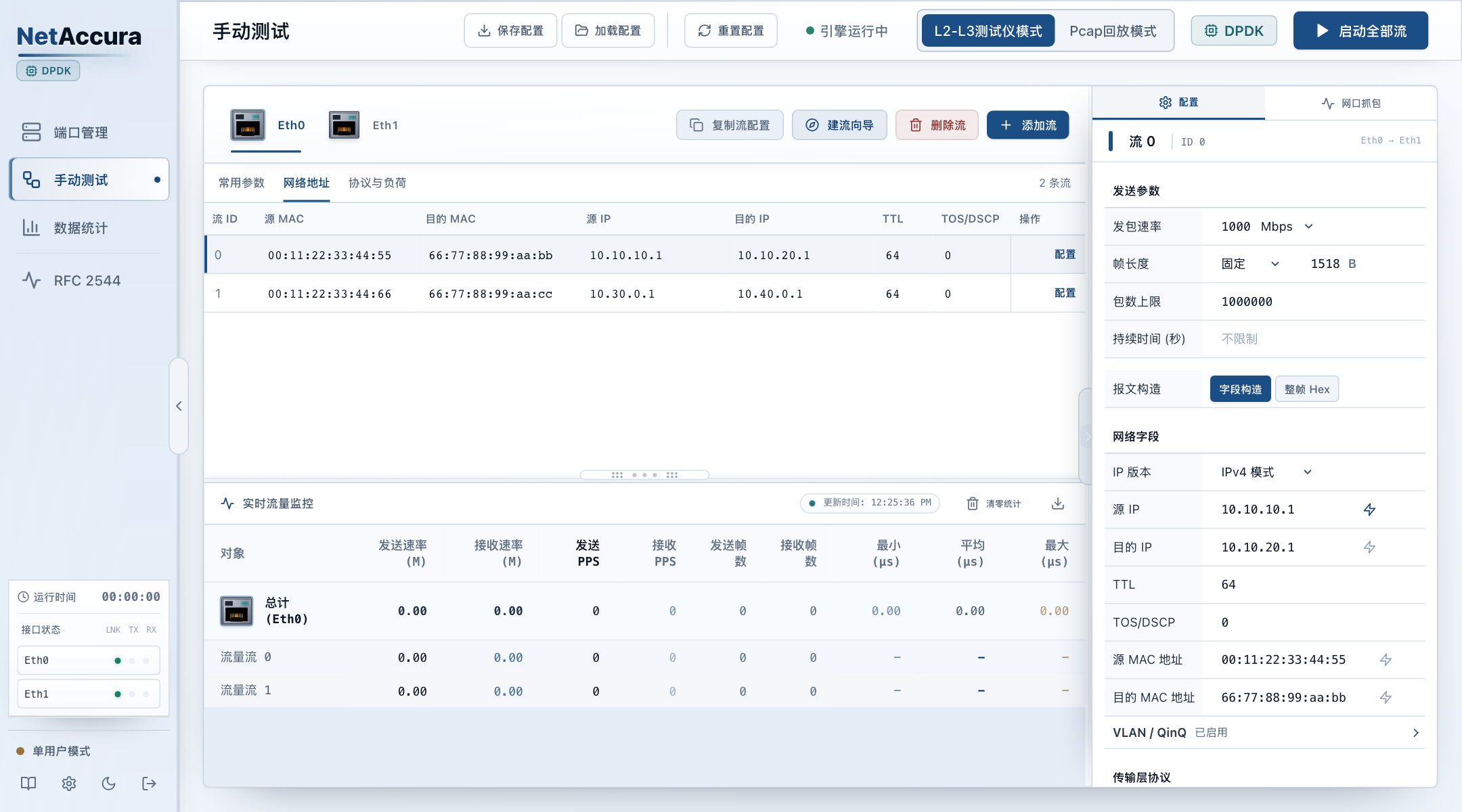
Custom Protocols and Packet Fields
- Ethernet / VLAN / IPv4 / IPv6 / TCP / UDP
- MAC, IP, Port and DSCP Configuration
- Common Protocol Payload Templates
NetAccura Traffic Generation
Network Performance Testing and PCAP Replay
For university, research, device development and data center teams conducting experiments, performance tests and network acceptance.
1G–400G Port Options View Port Counts and Feature Configurations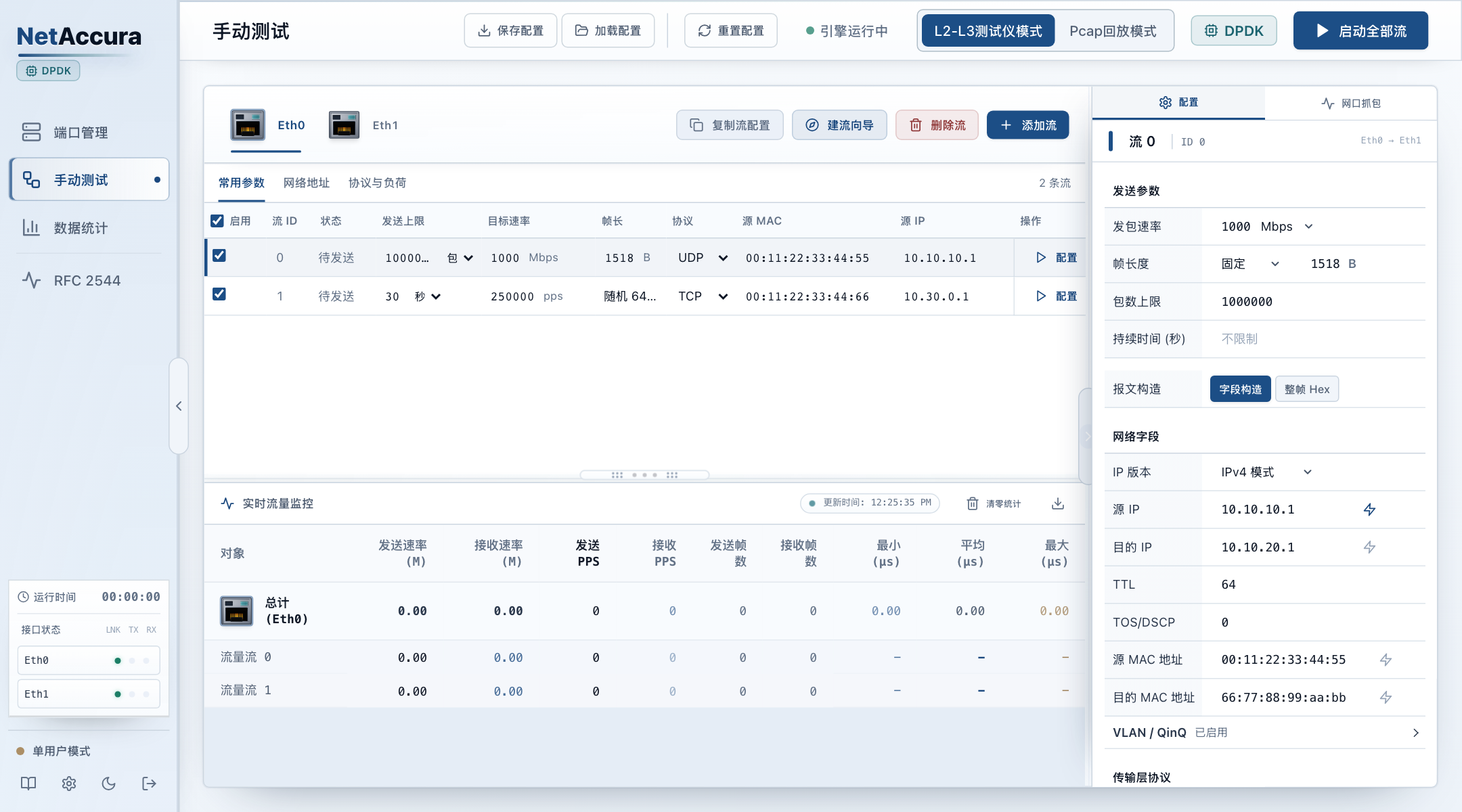
01 / TRAFFIC GENERATION
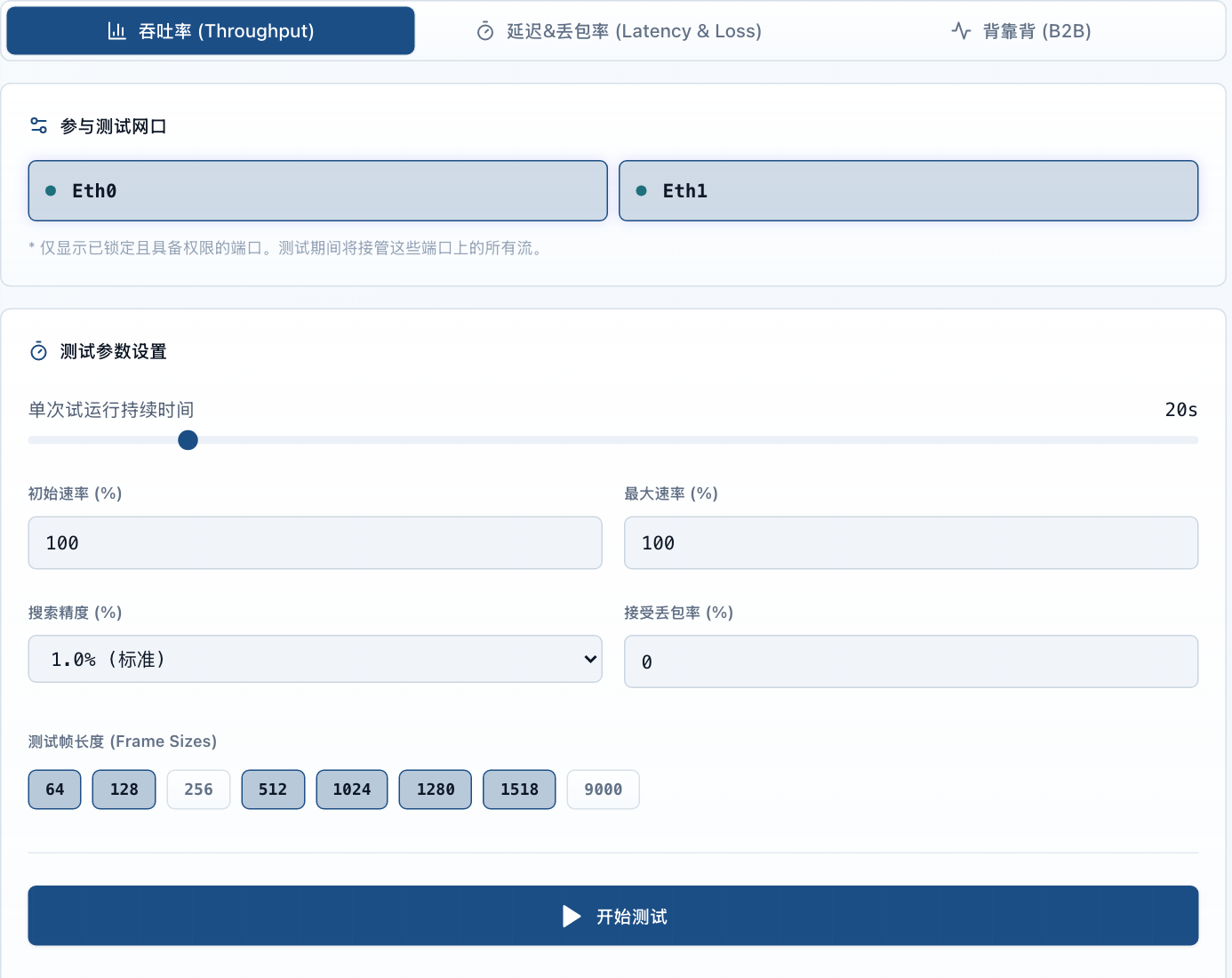
Customize packets and load to measure throughput, packet loss and latency.
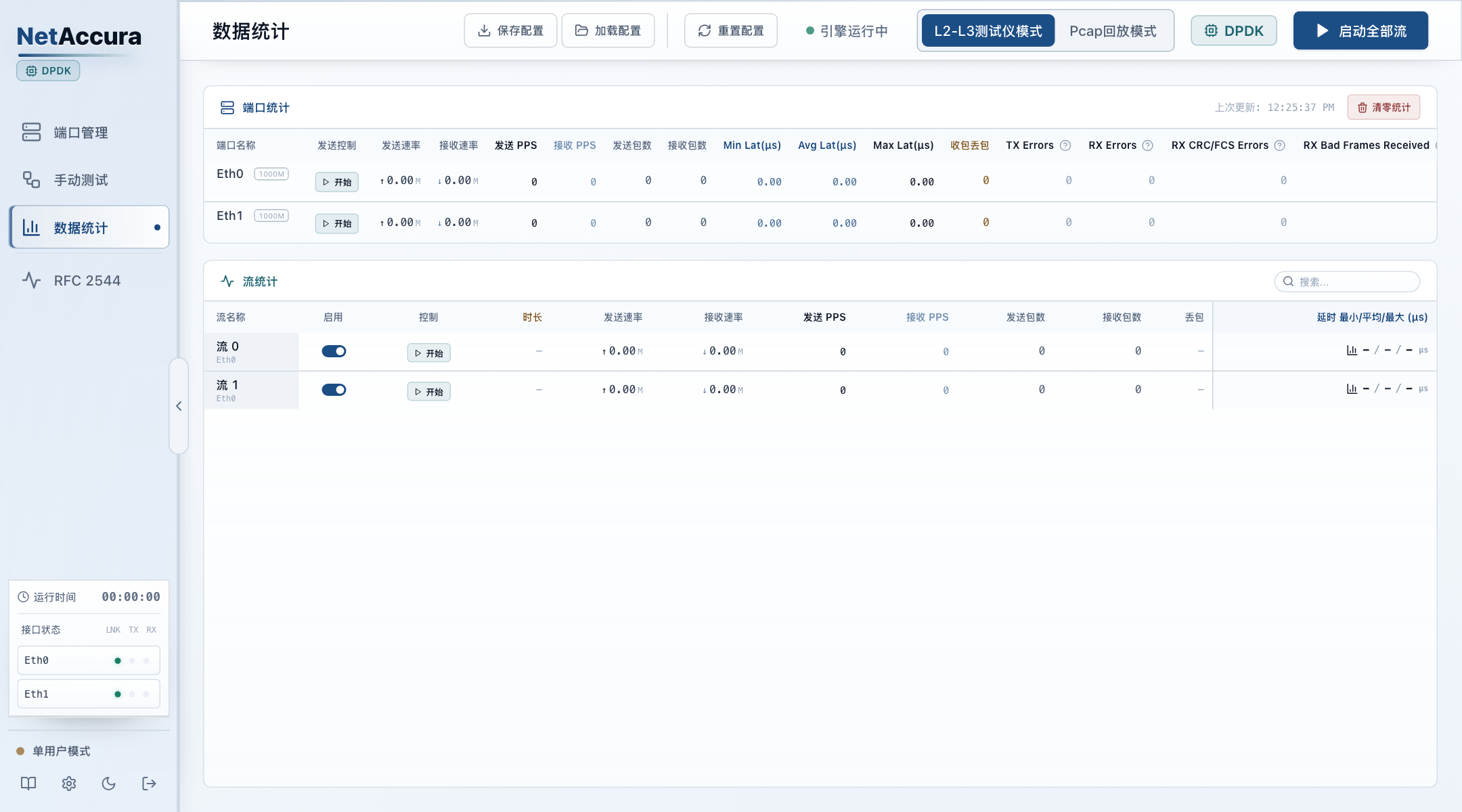
Packet Generation
Save port and test-stream parameters, then reload the same configuration for repeat tests.
02 / TRAFFIC REPLAY
Combine samples and loop playback with flexible rate control and address rewriting.
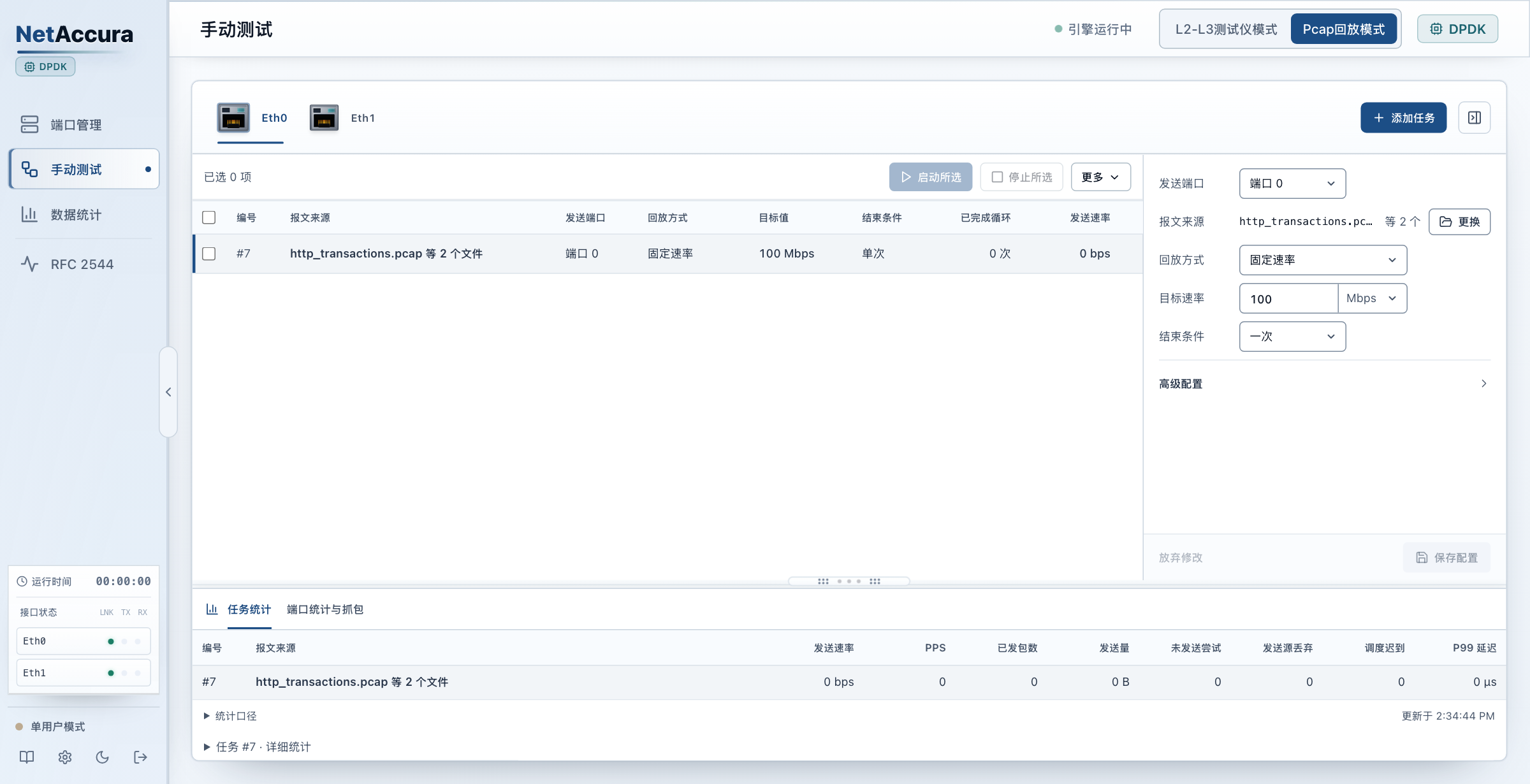
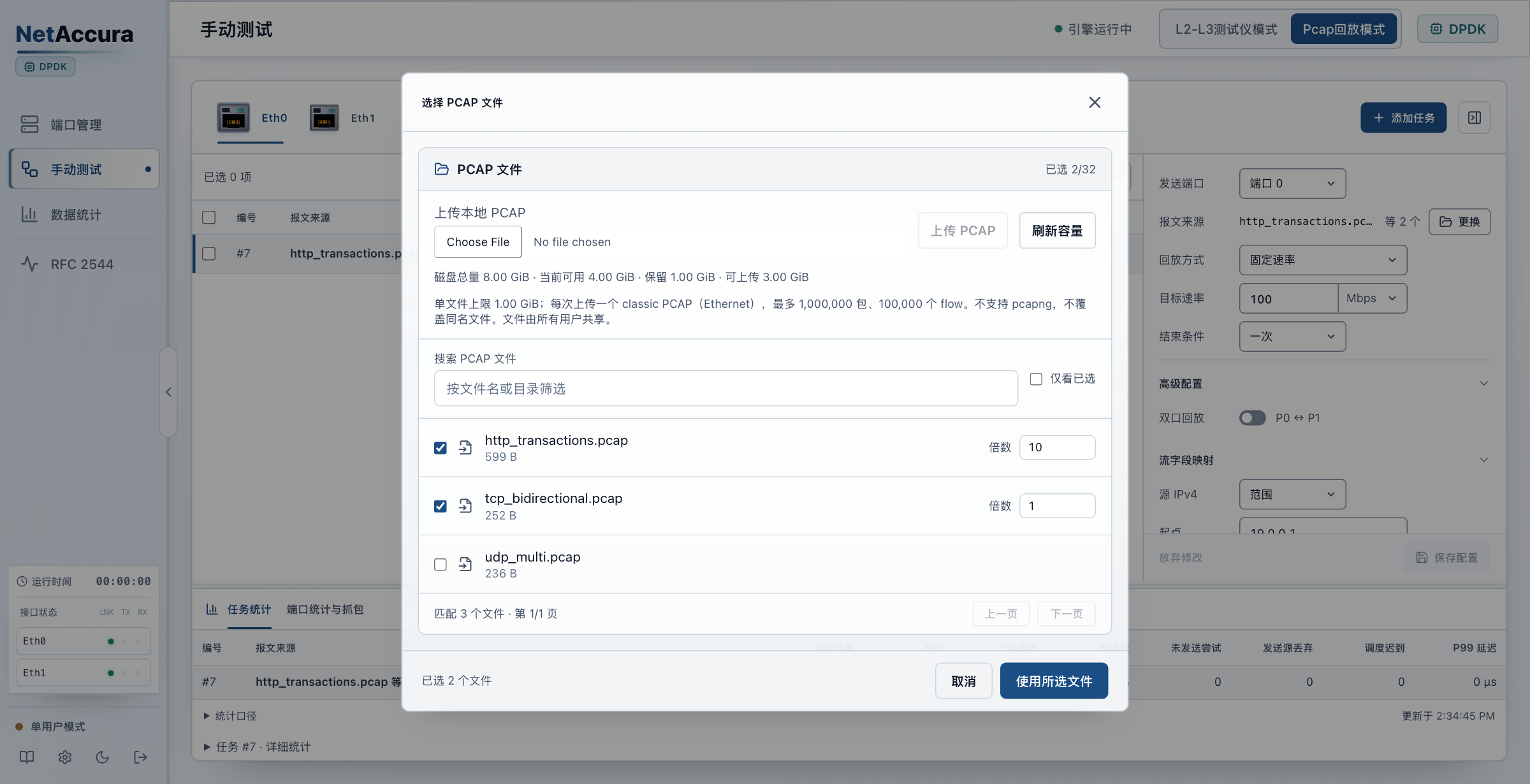
Replay according to PCAP timestamps.
Replay the same sample at different transmit rates.
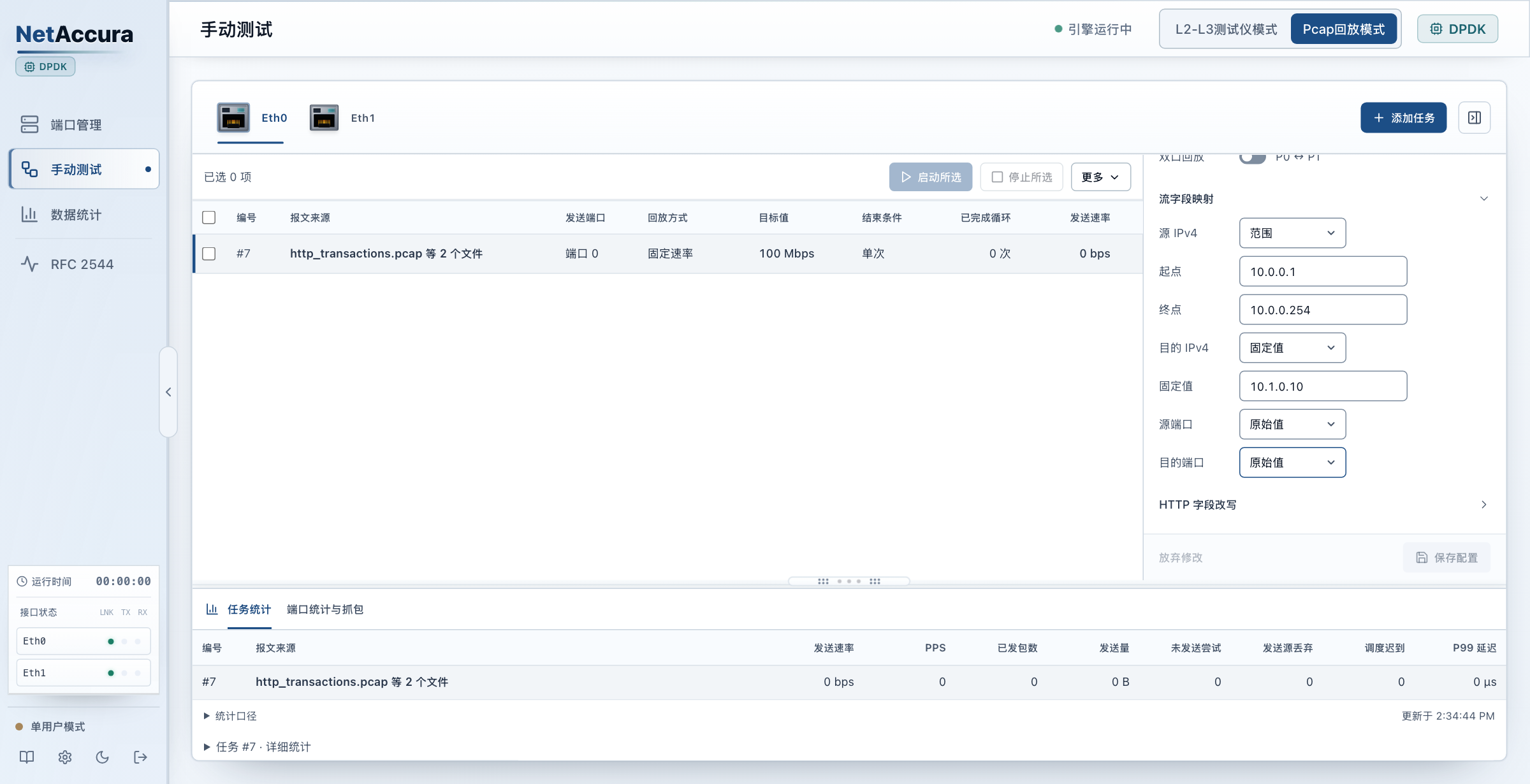
Rewrite IPv4 addresses and TCP/UDP ports while preserving the original payload.
Repeatable test traffic for network research and prototype device validation.
Validate switching equipment and link performance before network handover.
For device development, version regression and product selection testing.
Use PCAP samples to check device recognition records and alerts.
Check capture, filtering and distribution of incoming traffic.
Capture ProbeCapture Port Input → Probe Capture and Statistics
Test Automation
Hardware Configuration
Uses the same hardware platform as NetAccura WAN emulators.
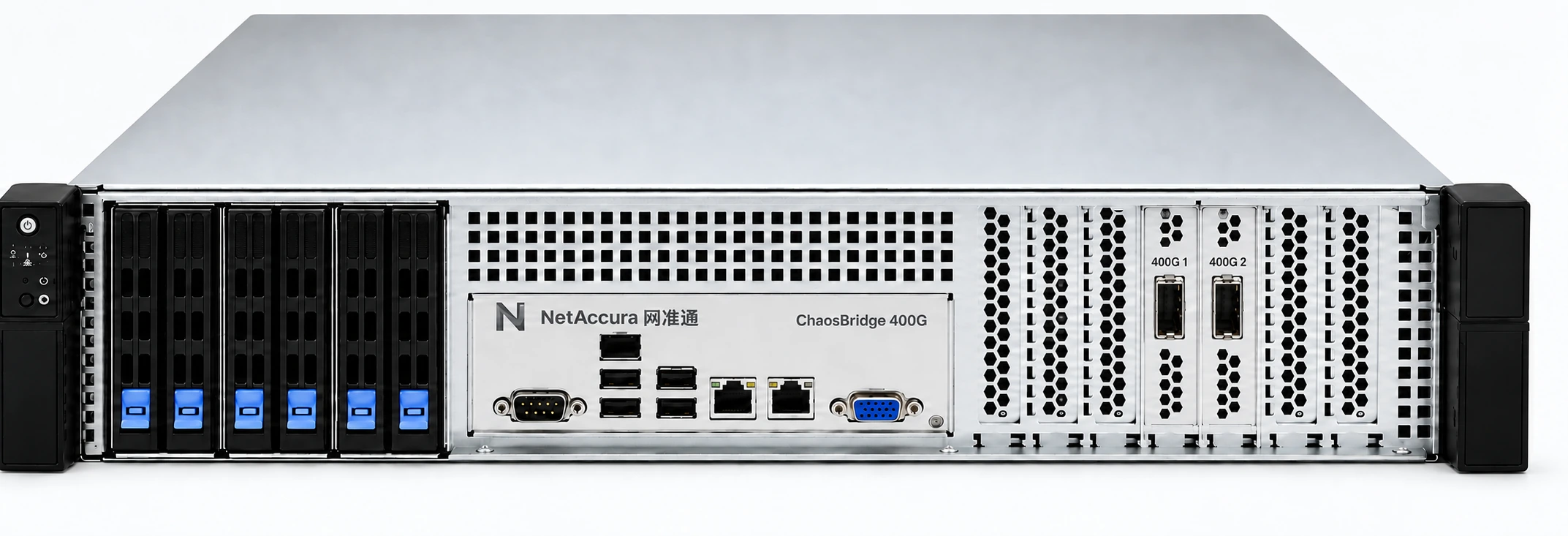
Two Independent Single-Port Adapters
Configure Transmit and Receive Ports for Your Test
| Per-Port Speed | Number of Test Ports | Product Selection Advice |
|---|---|---|
| 1G | 2–24 Gigabit Ports | Discuss Configuration |
| 10G | 2–24 10G Ports | Discuss Configuration |
| 25G | 2–26 25G Ports | Discuss Configuration |
| 100G | 2–8 100G Ports | Discuss Configuration |
| 400G | 2 400G Ports | Discuss Configuration |
| Packet Generation | Ethernet / VLAN / IPv4 / IPv6 / TCP / UDP; common protocol payload templates |
|---|---|
| Transmit Control | BPS / PPS rate control; independently start and stop each test stream |
| Field Configuration | MAC, IP, port, VLAN, priority, DSCP and other fields |
| Performance Measurement | Throughput, packet loss rate, average, minimum and maximum latency |
| Capture and Inspection | Packet capture and PCAP export |
| RFC 2544 | Throughput, packet loss rate, latency and back-to-back testing |
| Sample Format | Standard PCAP files with Ethernet link type |
|---|---|
| Replay Modes | Original timing / target rate; multiple samples and loop replay |
| Field Rewriting | IPv4 addresses and TCP/UDP ports; original, fixed, range, random and incrementing values |
| Traffic Multiplication | Copy samples and rewrite addresses and ports while preserving the original payload |
| Task Statistics | Transmitted packets, bytes, transmit rate and task status |
| Mode Switching | Switch between packet generation and PCAP replay; stop the current test before switching |
FPGA traffic generation configurations do not support PCAP replay or traffic multiplication.
Tell us your device under test, port requirements and test goals.